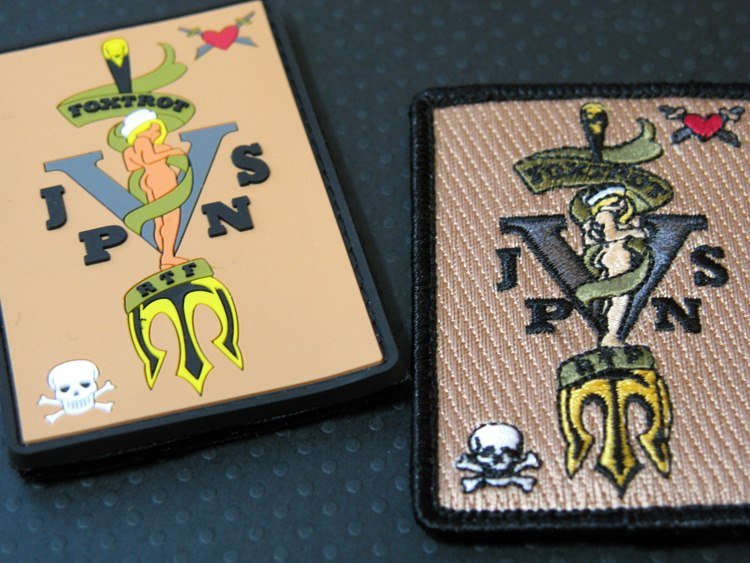
Before digitizing, clean vector artwork matters. Learn how we refine shapes, fix overlaps, and prepare perfect outlines for embroidery. The best production result comes from matching artwork preparation, file settings and quality control to the final material and machine.
Many embroidery problems actually start from bad artwork. If the vector file has broken shapes, overlaps, or uneven lines, the embroidery file will never look clean.
What a production-ready workflow includes
A professional workflow does more than convert a picture. It checks scale, edge quality, stitch or vector structure, output format and the way the final design will be used. These checks reduce revisions and make the delivered file easier to run.
That is why our workflow includes professional vector cleanup. We redraw weak edges, smooth curves, remove extra points, and make sure the design is balanced for embroidery. This helps especially for small text, badges, and thin strokes.
After cleanup, we make sure the design is scalable and stitch-friendly. Clean shapes lead to smooth stitching, better edges, and less thread break issues.
This process makes online ordering easier because the customer gets high quality digitizing and final embroidery output without delays or rework.
Information to provide with your order
- Send the highest-resolution logo or reference available.
- Confirm final print size, colours and required output formats.
- Mention whether the artwork is for screen print, DTF, engraving or embroidery.
Common mistakes to avoid
- Auto-tracing a low-resolution JPEG without cleaning nodes.
- Leaving hidden overlaps that create cutting or colour-separation errors.
- Approving artwork without checking the final production size.
Stitchize production note
Always keep a visual reference with the machine or print file. It helps operators confirm size, colours, orientation and the intended final appearance before production begins.
Quality-control checklist
Confirm dimensions, placement, colour sequence, output format and material.
Watch edges, small details, registration, tension, density and thread or print behaviour.
Compare the physical sample with the approved visual and note any changes for repeat orders.
Frequently asked questions
Can a blurry logo be redrawn?
Yes. A skilled redraw rebuilds shapes and typography instead of simply enlarging pixels.
Which files should I request?
AI, EPS, SVG and PDF cover most professional production workflows.
Send your artwork to Stitchize
Tell us the final size, material and required format. We will recommend the right production approach.